My Petite Camera & How I Edit Photos
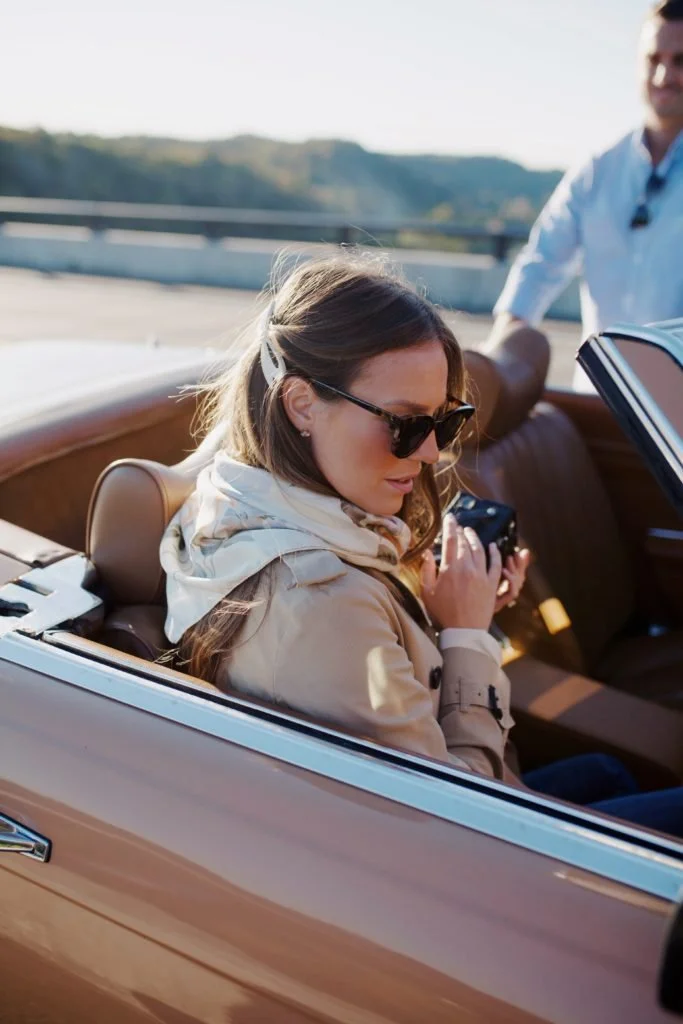
My Photography Journey
I receive messages fairly often about how I edit photos and the camera I use. I’m not a trained photographer, but I do enjoy taking photos whenever I get the chance. Playing around with perspectives and proportions, lighting, and different editing techniques has been a great way to learn over the last several years.
I've found that much of photography is about chasing light. As well as trial and error. Carson's patience has grown a great deal through the years — if we are driving or walking or spending time at home, and I notice some pretty light, I’ll insist we pause so I can snap a few images.
My most recent camera purchase is perfect for that, because I can take it anywhere. It’s not cumbersome and is a relatively easy point-and-shoot camera for beginners who want a richer, higher resolution photo.
Canon PowerShot G7X Mark III Digital 4K
Not only has this camera proven to be an easy point-and-shoot for me, but it’s great for video. I’ve loved creating short films for work projects, but also to capture family moments. I think it’s nice to have some higher quality photos for memory books or for printing and framing. You can quickly transfer images to your phone with the wifi capability, which I use almost every day.
Hard EVA Travel Case
This case is nothing fancy, but does the trick by keeping my camera safe. I love the hard shell because I often toss it into my purse and it keeps it totally protected. I also like this soft silicone case my sister-in-law has on her camera.
Editing With VSCO
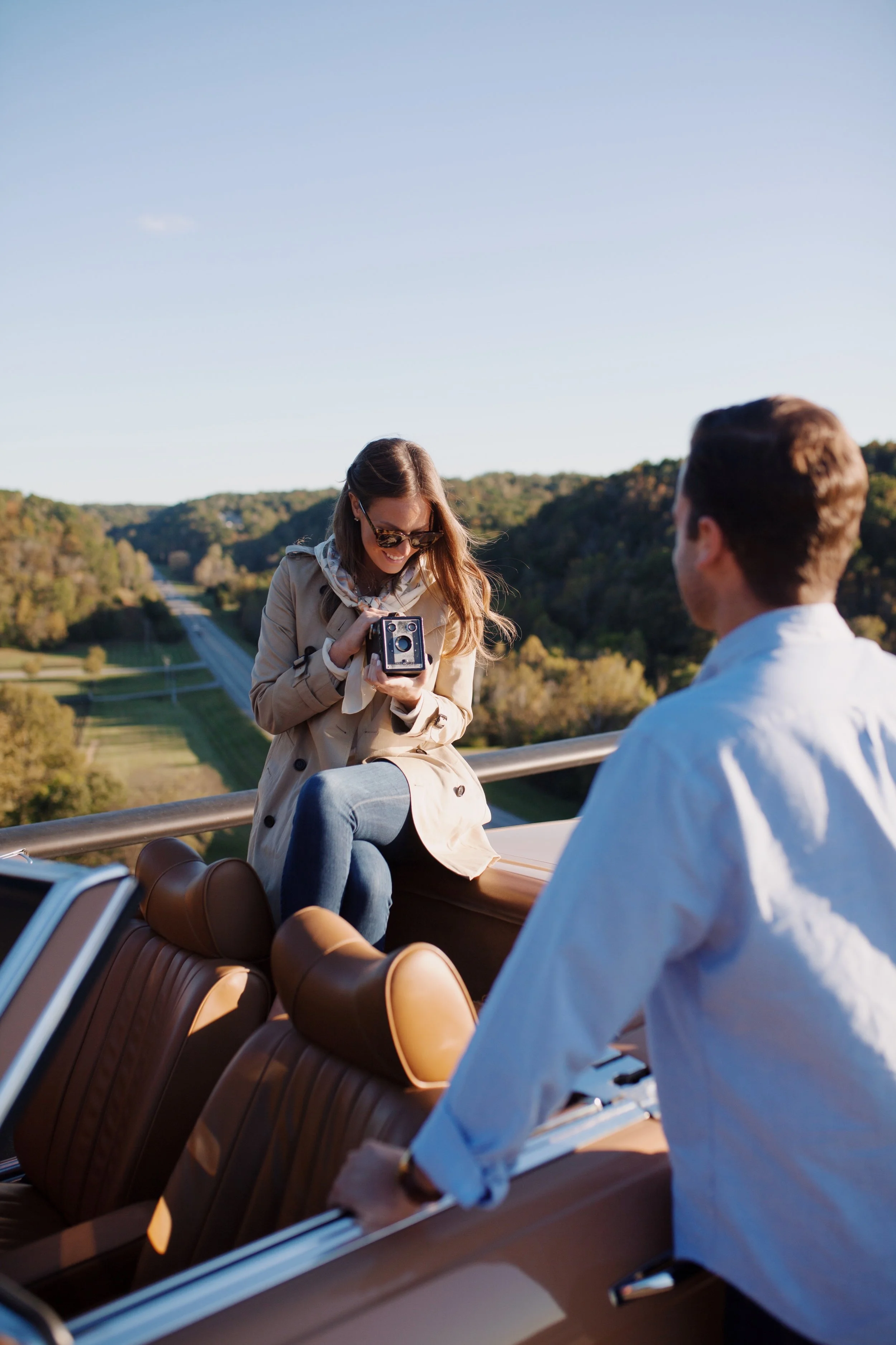
For editing photos, I love VSCO. It's an app right on my phone where I can edit anywhere, at anytime. You can browse loads of filter packs within the app and see which ones you'd love using most. I used several different edits through the years, but this year I've aimed to achieve a more a classic, cohesive look.
To accomplish this, I usually turn the filter way down — to about 1.5 to 2.0 so it's never harsh. This becomes more of a photo enhancement rather than a heavy filter. In the past, I've loved using the A - Analog filter pack in VSCO, specifically filter A4. Recently however, I'm gravitating more towards the Film X - Kodak pack for a deeper, richer film look. I'm still playing around with filters, but most all of them have that richness I'm loving. Filter KP3 is the one I used for the images in this post.
From there, depending on the light, I'll adjust the exposure, contrast, saturation and tones, as well as the white balance. There's no real science to this, it's just what I think looks best depending on each individual image and its lighting. I still warm up my photos to give them an inviting feel and I love increasing the black point once I've saved to my camera roll.
Lighting is so important, and if the lighting is poor, there's really no filter that will magically transform your photo. I always try to get the best possible image I can with the light, so I don't have to touch my photos a lot. My goal when editing is to try and achieve the look and feel of the scene in person.
Editing is so much about your own personal preferences, and there's really no right or wrong way to do it. With lots of practice and experimenting with different editing features, you will find your own personal editing style, in time. If you have any other specific questions, I'm more than happy to answer. Just send me a message over on Instagram or drop one below!